
Share a patient file
Screenshots show the Dutch interface. Menu names and buttons appear here as they appear on screen, in Dutch.
You can share a patient file with another therapist in your practice. Sharing with a therapist from a different practice is not possible.
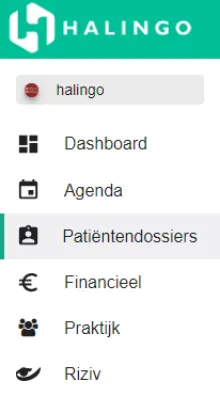
Click patiëntendossiers (patient files) in the left-hand menu.
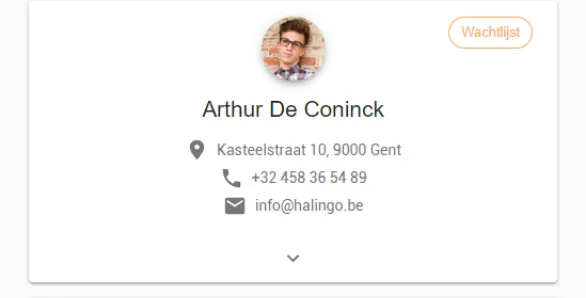
Click the patient file you want to share.
Click the
 icon in the dossier gedeeld met (file shared with) box. A window opens.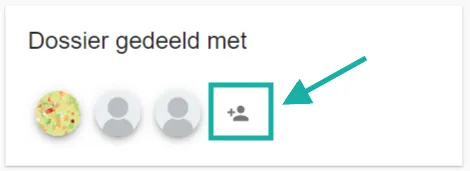
Select the therapist you are sharing the file with.
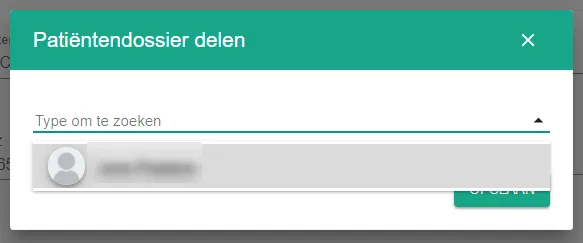
Sharing only works when several therapists belong to the practice. If you are the only therapist, the list stays empty. Only members with the therapist role appear in the list. Administrators do not, because their role already gives them access to every patient file in the practice.
Click the opslaan (save) button.

Was this article helpful?