
View short-term therapy plans
Screenshots show the Dutch interface. Menu names and buttons appear here as they appear on screen, in Dutch.
All of a patient’s short-term therapy plans sit together in the therapy plan tab.
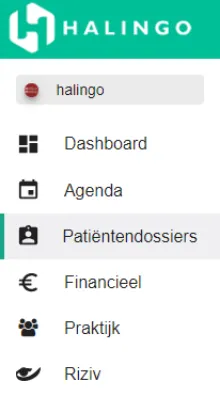
Click patiëntendossiers (patient dossiers) in the left-hand menu.
Click the name of the patient whose plans you want to see.

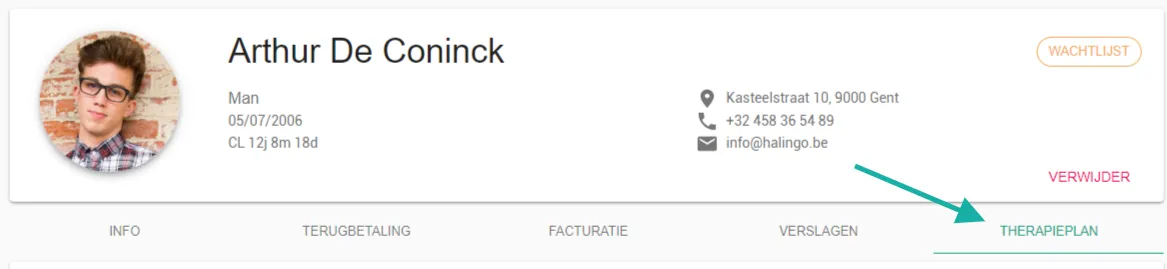
Open the therapieplan (therapy plan) tab.
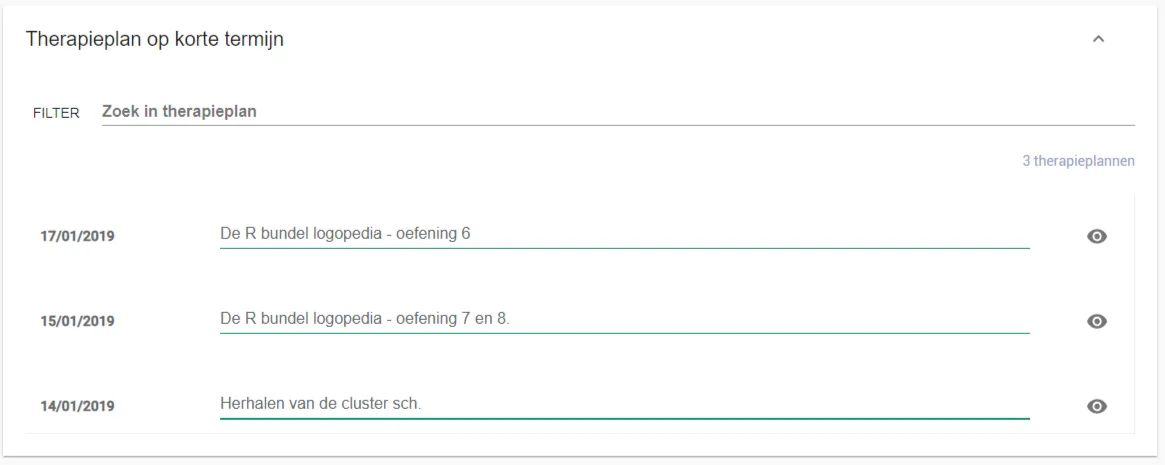
- Under therapieplannen korte termijn (short-term therapy plans) the plans appear as a list.
- Use the search bar to find a specific plan.
- The filter narrows the search.
Was this article helpful?
One more question?Open a ticket and we will look at it with you.
Open a ticket