
Add a tag to a patient dossier
Screenshots show the Dutch interface. Menu names and buttons appear here as they appear on screen, in Dutch.
Important information can be added to the patient dossier as a tag. A tag stands out when a colleague takes over the dossier or when two of you treat the same patient. For yourself it works as a reminder.
Tags sit in the top right of the patient dossier.
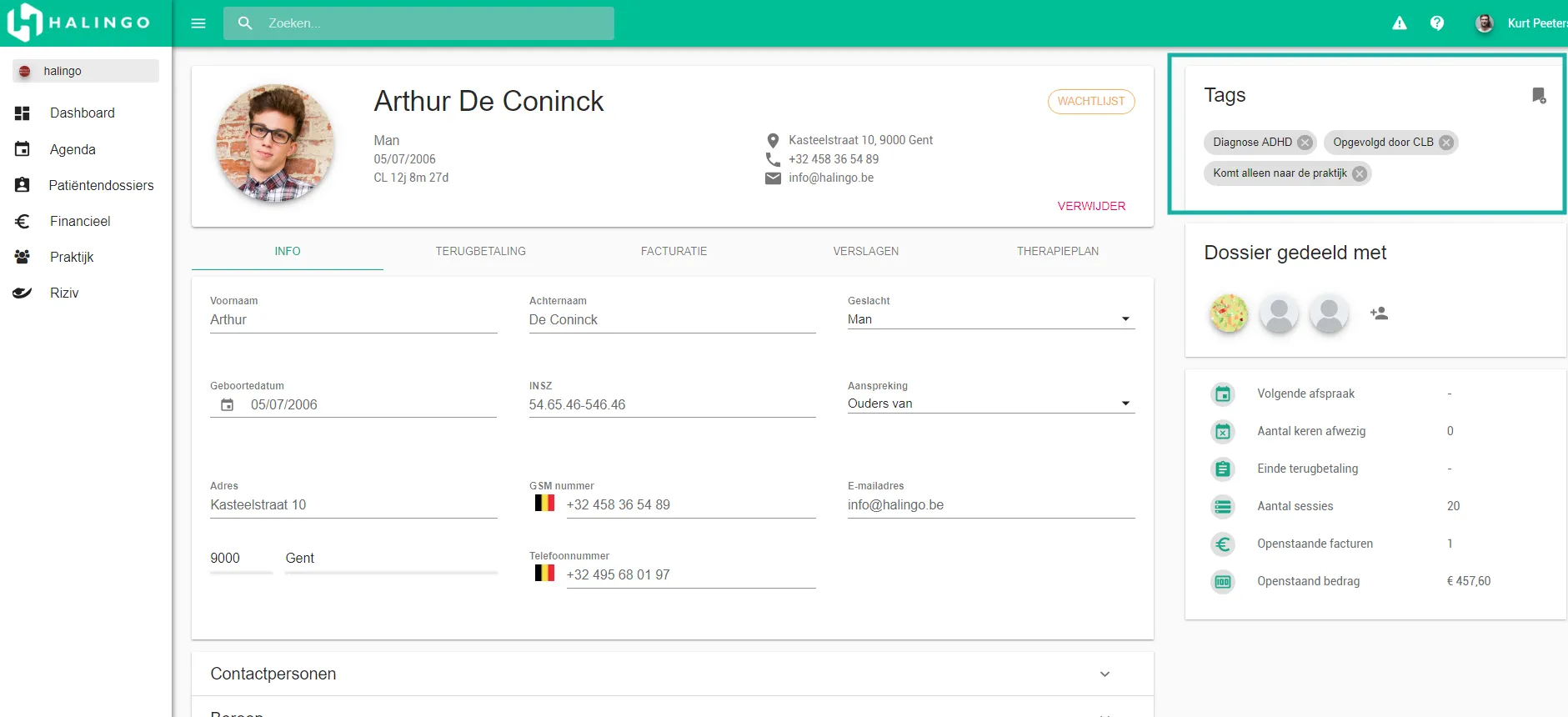
Click the
 icon.
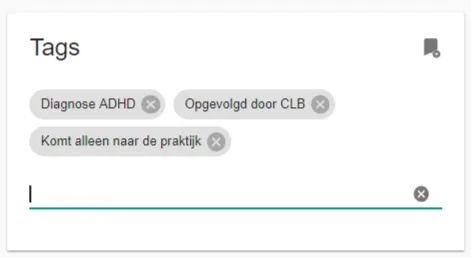
icon.Type the tag text and press enter.
Was this article helpful?
One more question?Open a ticket and we will look at it with you.
Open a ticket