
Set up a long-term therapy plan
Screenshots show the Dutch interface. Menu names and buttons appear here as they appear on screen, in Dutch.
A long-term therapy plan is built from goals. Each goal gets a category and a priority.
This article covers the buttons, not what a good therapy plan should contain.
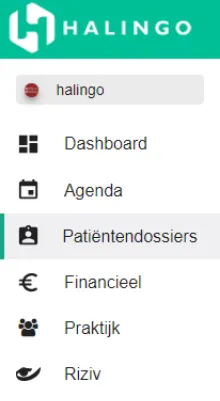
Click patiëntendossiers (patient dossiers) in the left-hand menu.
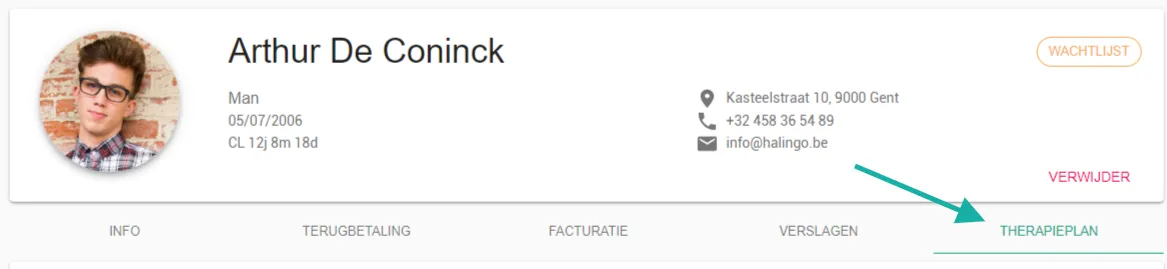
Click the patient dossier you are setting the plan up for.

Open the therapieplan (therapy plan) tab.
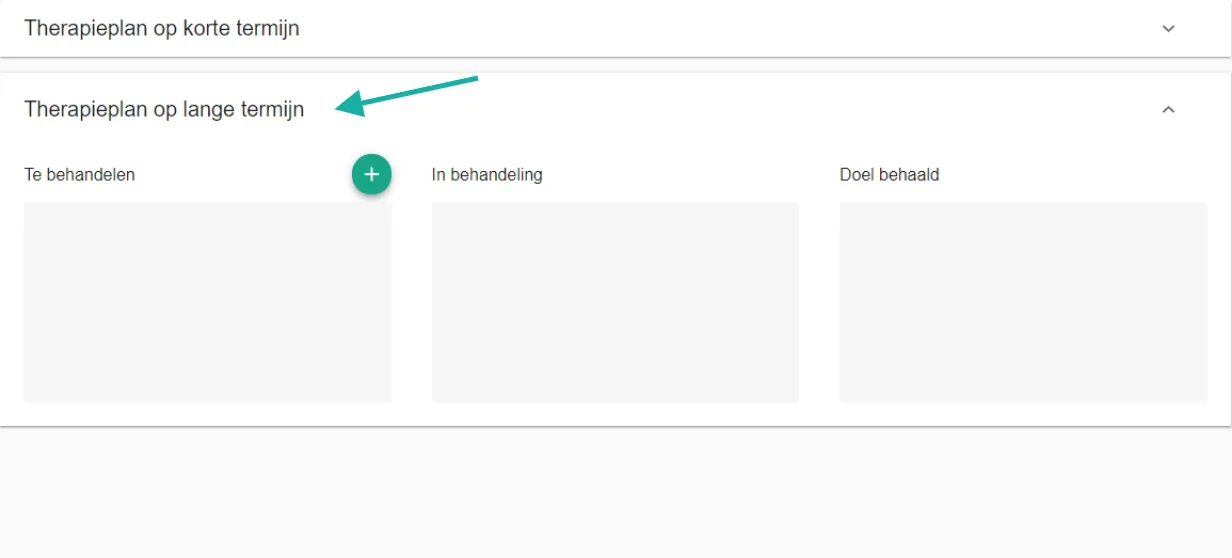
Go to the therapieplan lange termijn (long-term therapy plan) section.
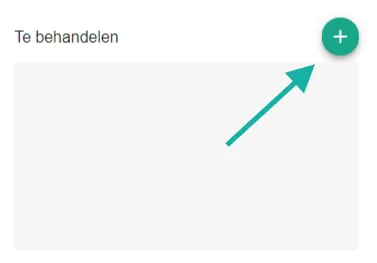
Click the button shown below in the to-treat column.
Fill in the doelstelling (goal).

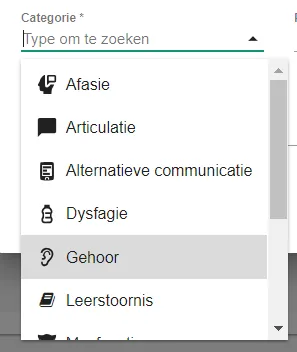
Kies (Choose) the categorie (category) the goal belongs to, for example learning disorder for a reading goal.
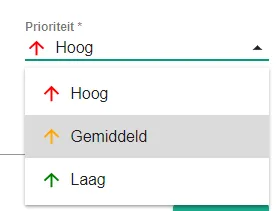
Set the prioriteit (priority). Goals are sorted by priority, high to low.
Click opslaan (save).

Was this article helpful?