
Upload a report
Screenshots show the Dutch interface. Menu names and buttons appear here as they appear on screen, in Dutch.
You keep reports electronically in the patient file, in the reports tab. Word and pdf are the usual file types.
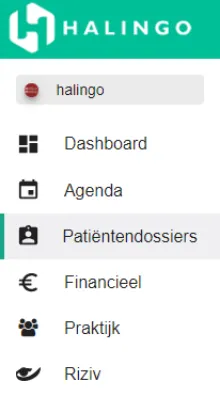
Click patiëntendossiers (patient files) in the left-hand menu.
Click the name of the patient whose report you are uploading.

Go to the verslagen (reports) tab.

Click the
 icon.
icon.
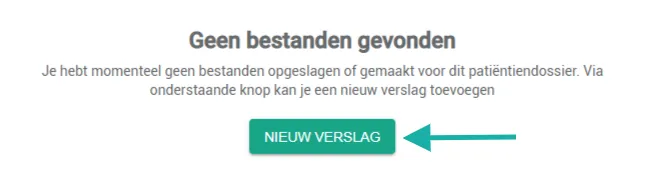
If the file has no report yet, click the nieuw verslag (new report) button.
Select the upload tab.
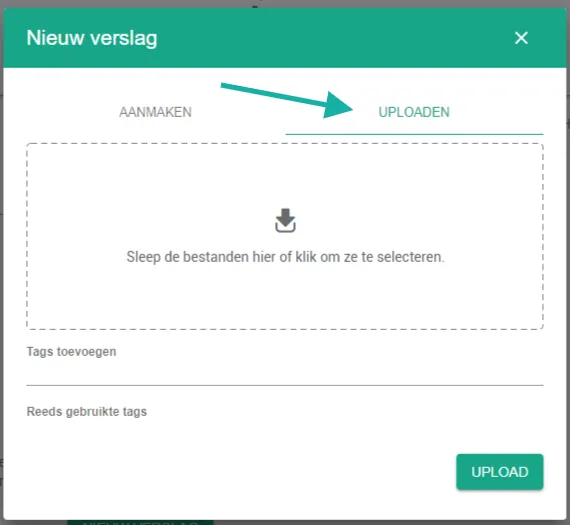
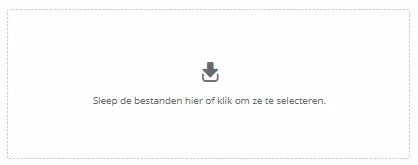
Click the uploadvenster (upload window) and pick the file.
You can add tags to the file. That makes the report easier to find later.

Click the upload button.

Was this article helpful?
One more question?Open a ticket and we will look at it with you.
Open a ticket