
Change the total number of sessions
Screenshots show the Dutch interface. Menu names and buttons appear here as they appear on screen, in Dutch.
Halingo fills in the total number of sessions according to the reimbursement rules of RIZIV/INAMI, the Belgian national health insurance institute. If your file departs from those rules, you change the number yourself.
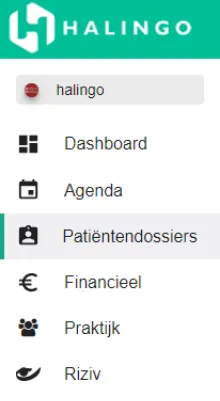
Click patient files in the left-hand menu.
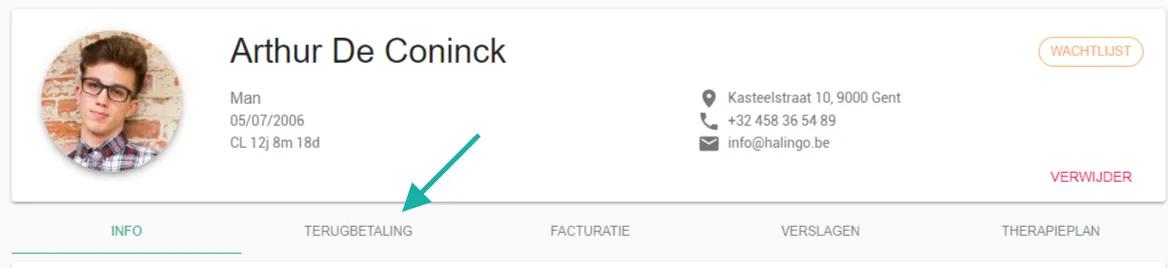
Click the patient concerned.

Select the reimbursement tab.
Click the current total number of sessions.

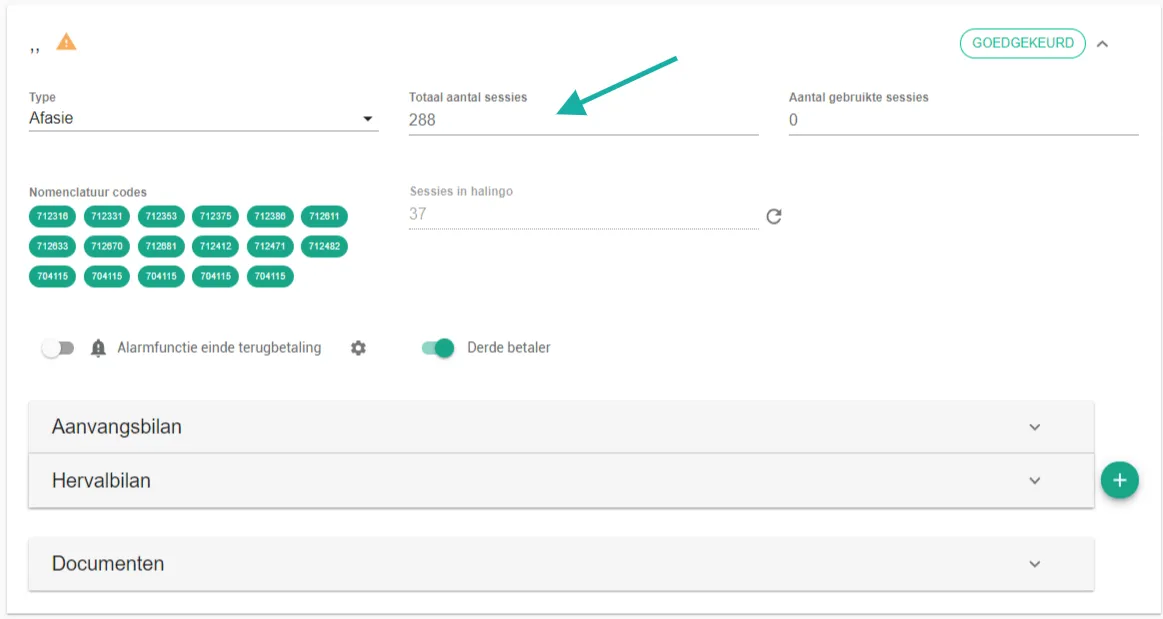
Enter the new number of sessions.
Press [Enter] or click next to the field.
Was this article helpful?
One more question?Open a ticket and we will look at it with you.
Open a ticket