
Add a sub-goal to a main goal
Screenshots show the Dutch interface. Menu names and buttons appear here as they appear on screen, in Dutch.
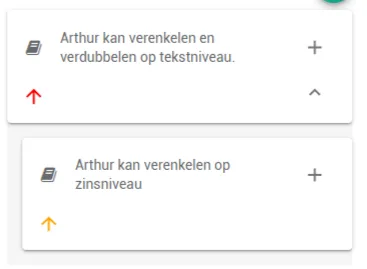
Sub-goals hang under a main goal in the long-term therapy plan. They are indented slightly under their main goal, so the plan’s structure stays visible.
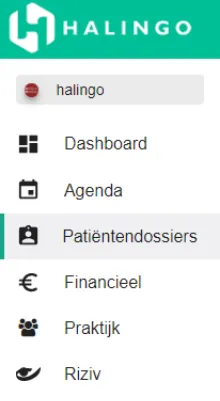
Click patient dossiers in the left-hand menu.
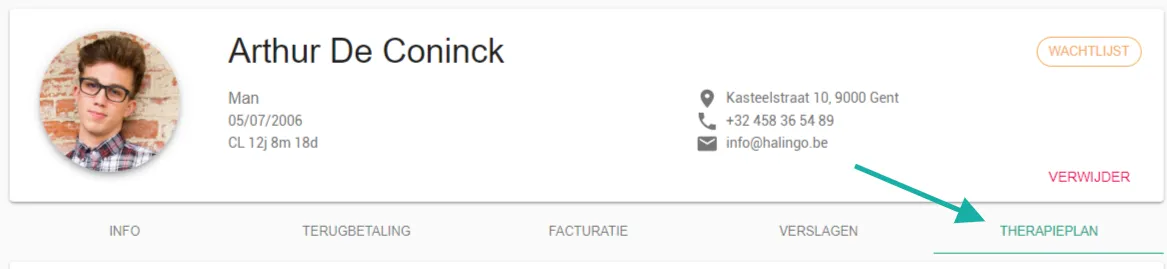
Click the patient’s name.

Open the therapy plan tab.
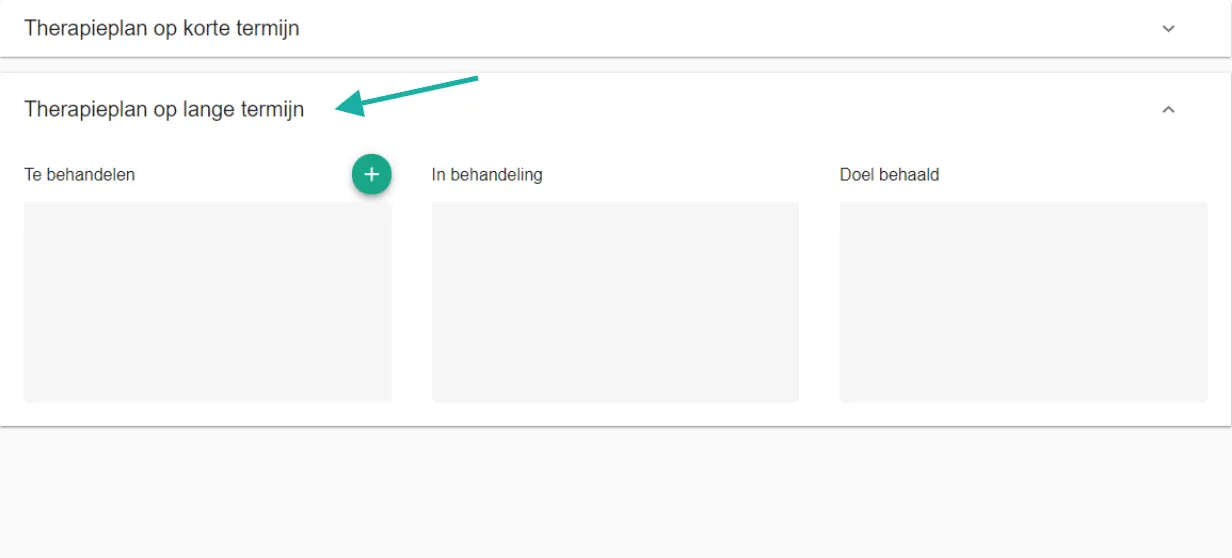
Go to the long-term therapy plan section.
Click the
 icon on the main goal the sub-goal belongs to.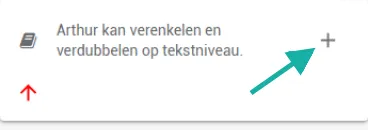
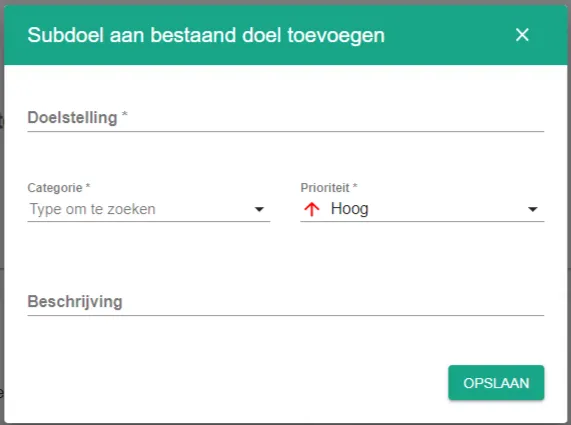
Fill in the details as you would for a main goal, then click save.
The sub-goal now sits indented under its main goal.
Was this article helpful?
One more question?Open a ticket and we will look at it with you.
Open a ticket