
Select patient dossiers per therapist
Screenshots show the Dutch interface. Menu names and buttons appear here as they appear on screen, in Dutch.
As practice owner or administrator you can view patient dossiers per therapist. One glance shows who treats which patients.
This option exists only for the practice owner and administrator roles. A therapist cannot select colleagues’ dossiers.
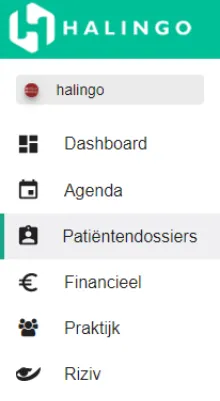
Click patiëntendossiers (patient dossiers) in the left-hand menu.
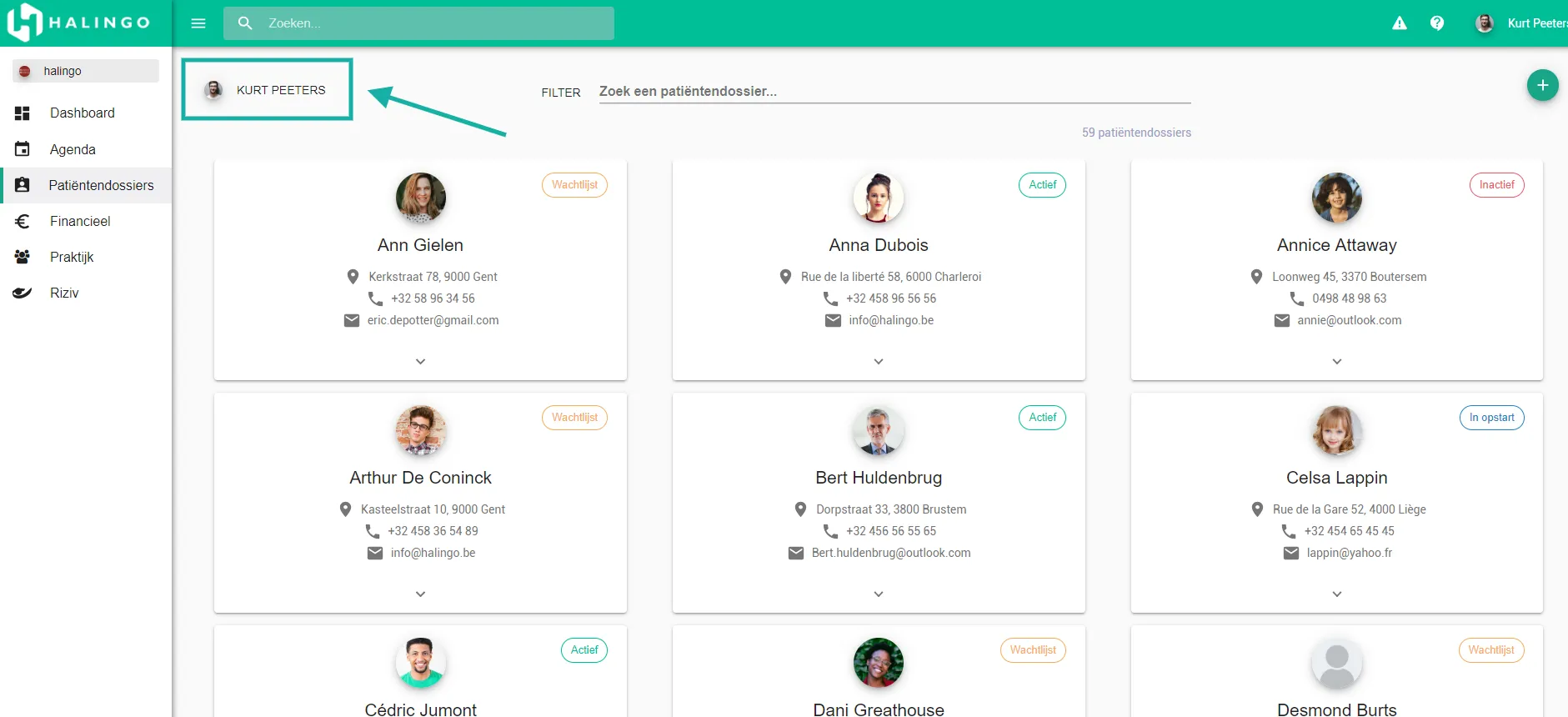
Click the therapist’s name on the left.
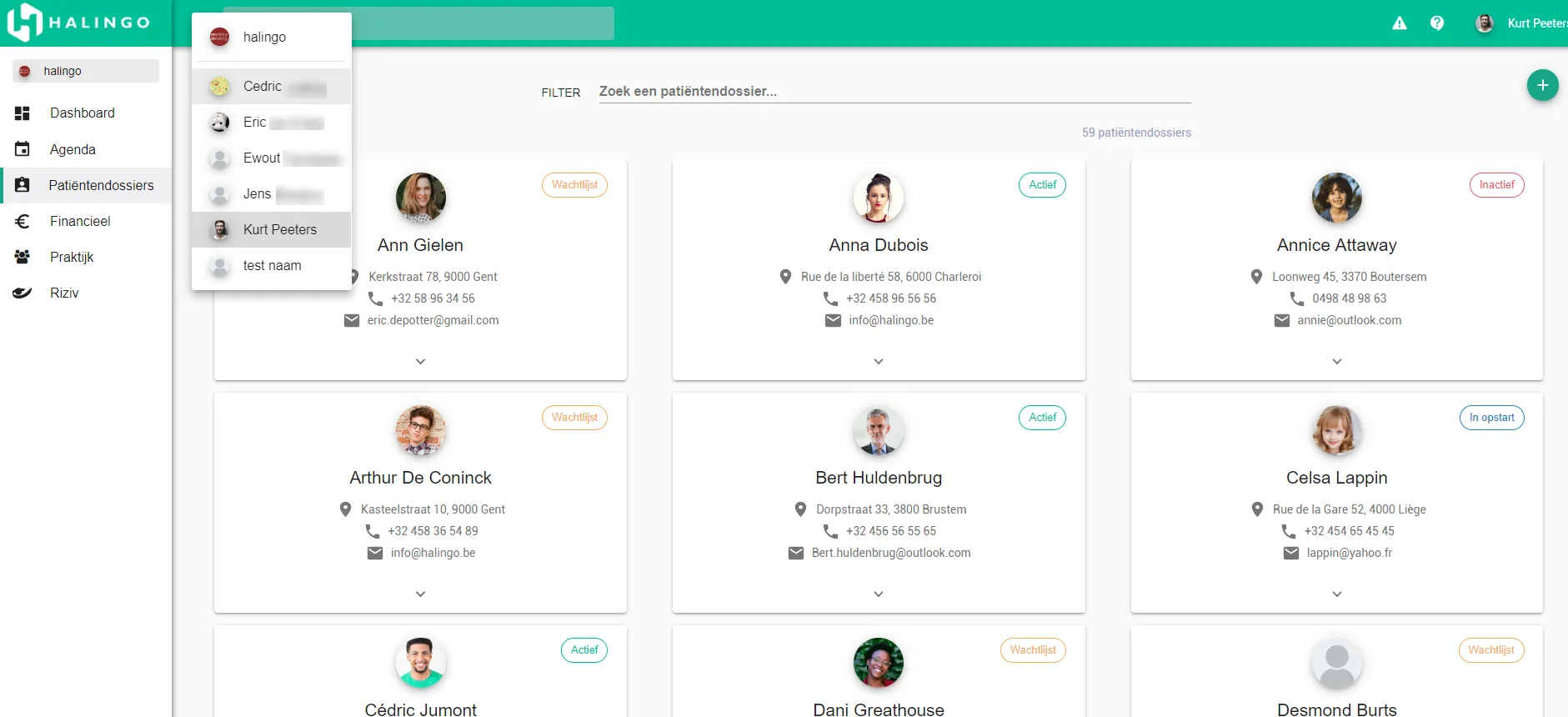
If you select the practice name, the patient dossiers of the whole practice are shown.
Was this article helpful?
One more question?Open a ticket and we will look at it with you.
Open a ticket