
Emailing an invoice to the patient
Screenshots show the Dutch interface. Menu names and buttons appear here as they appear on screen, in Dutch.
You can email an invoice to the patient straight from Halingo. Two conditions:
- the patient’s email address is filled in on the patient file;
- the settings for emailing invoices are complete.
Those settings are covered in the article on the settings for emailing invoices.
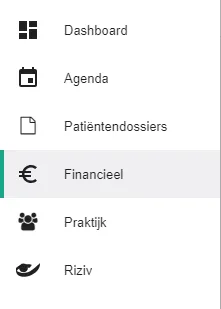
Click Financieel (Financial) in the left-hand menu.
Click the Facturen (Invoices) tab.

Click the icon
 to open the menu for the invoice you want to send.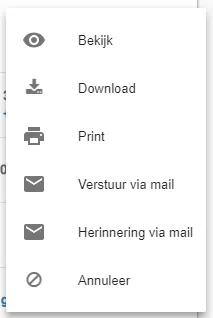
Click Verstuur via mail (Send by email). Halingo emails the invoice to the patient.
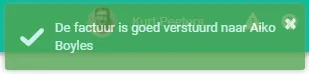
Halingo tells you whether the invoice went out correctly. The email may land in your patient’s spam folder. Mention that when you send the first invoice.
Was this article helpful?
One more question?Open a ticket and we will look at it with you.
Open a ticket