
Printing a third-party payer statement
Screenshots show the Dutch interface. Menu names and buttons appear here as they appear on screen, in Dutch.
A third-party payer statement (verzamelstaat) is the batched invoice you send to a health insurance fund, which pays you directly. You print it from the Third-party payer statement invoices tab.
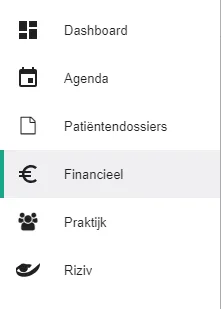
Click Financieel (Financial) in the left-hand menu.
Click the Verzamelstaatfacturen (Third-party payer statement invoices) tab.

Click the
 icon next to the statement.
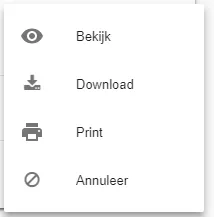
Click Print in the menu.
Was this article helpful?
One more question?Open a ticket and we will look at it with you.
Open a ticket