
Deleting a commission
Screenshots show the Dutch interface. Menu names and buttons appear here as they appear on screen, in Dutch.
A generated commission can be deleted as long as it is still open.
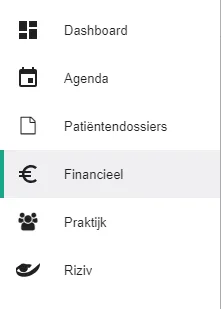
Click Financieel (Financial) in the left-hand menu.
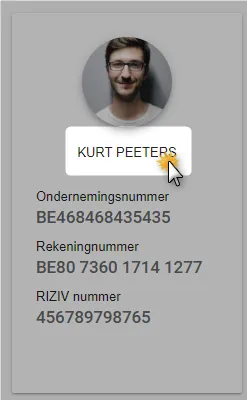
Select the therapeut (therapist) whose commission you want to manage, or select the praktijk (practice) to see all therapists together.

Go to the Commissie (Commission) tab.

Click the icon
 next to the commission you want to delete.
This only works while the commission status is openstaand (open).
Was this article helpful?
One more question?Open a ticket and we will look at it with you.
Open a ticket