
Set up automatic invoice emails
Screenshots show the Dutch interface. Menu names and buttons appear here as they appear on screen, in Dutch.
The settings for emailing invoices automatically apply to every member of the practice. Only the practice owner or an administrator can change them.
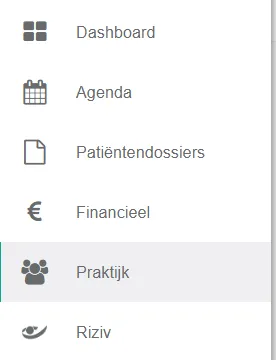
- Click praktijk (practice) in the left menu.
- Click the instellingen (settings) button.
- Kies (Choose) the sjabloon (template) for the email your patients receive. Click the template you want.
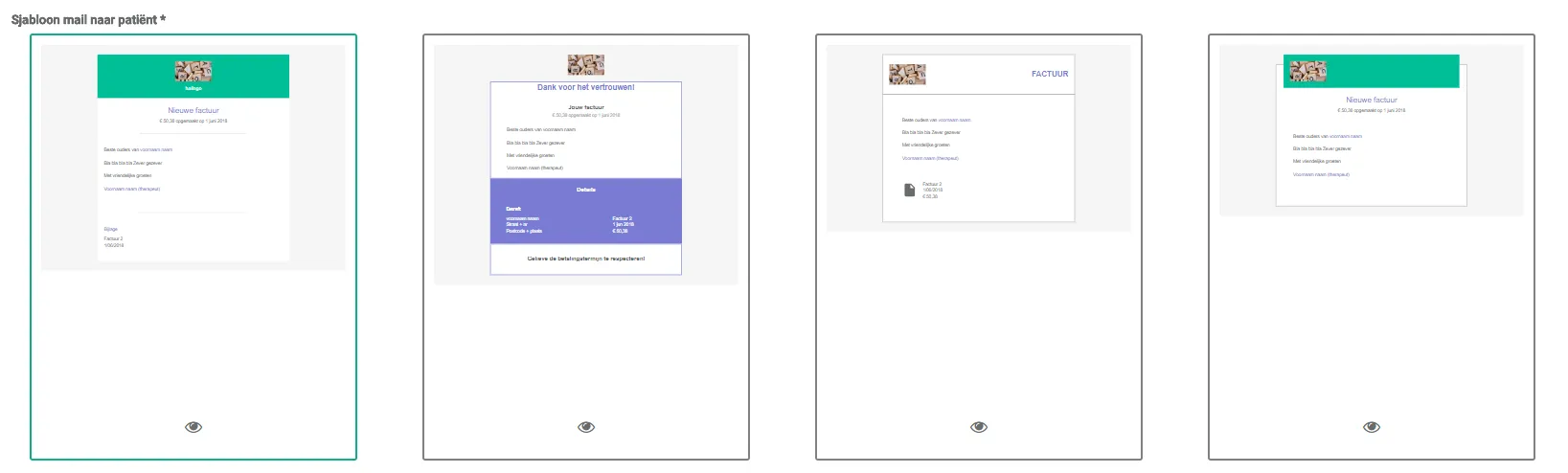
To view a template in detail, click the icon.
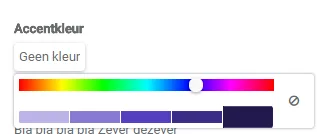
icon. - If you want a different accent colour, select the colour you want.
- Write the standaardtekst (default text) that appears in the email.

Was this article helpful?
One more question?Open a ticket and we will look at it with you.
Open a ticket