
Viewing the commission overview
Screenshots show the Dutch interface. Menu names and buttons appear here as they appear on screen, in Dutch.
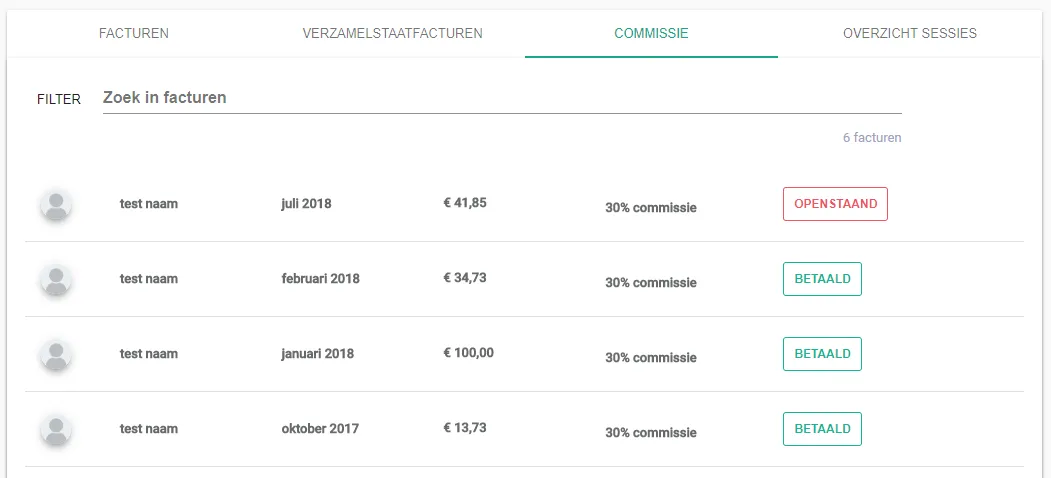
The Commission tab shows which commission has been charged and whether it has been paid. The commission is the share a group practice pays its therapists.
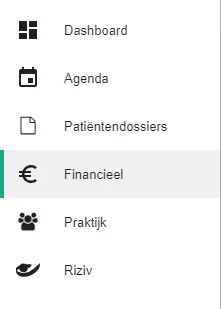
Click Financieel (Financial) in the left-hand menu.
Open the Commissie (Commission) tab.
Was this article helpful?
One more question?Open a ticket and we will look at it with you.
Open a ticket