
Viewing the session overview
Screenshots show the Dutch interface. Menu names and buttons appear here as they appear on screen, in Dutch.
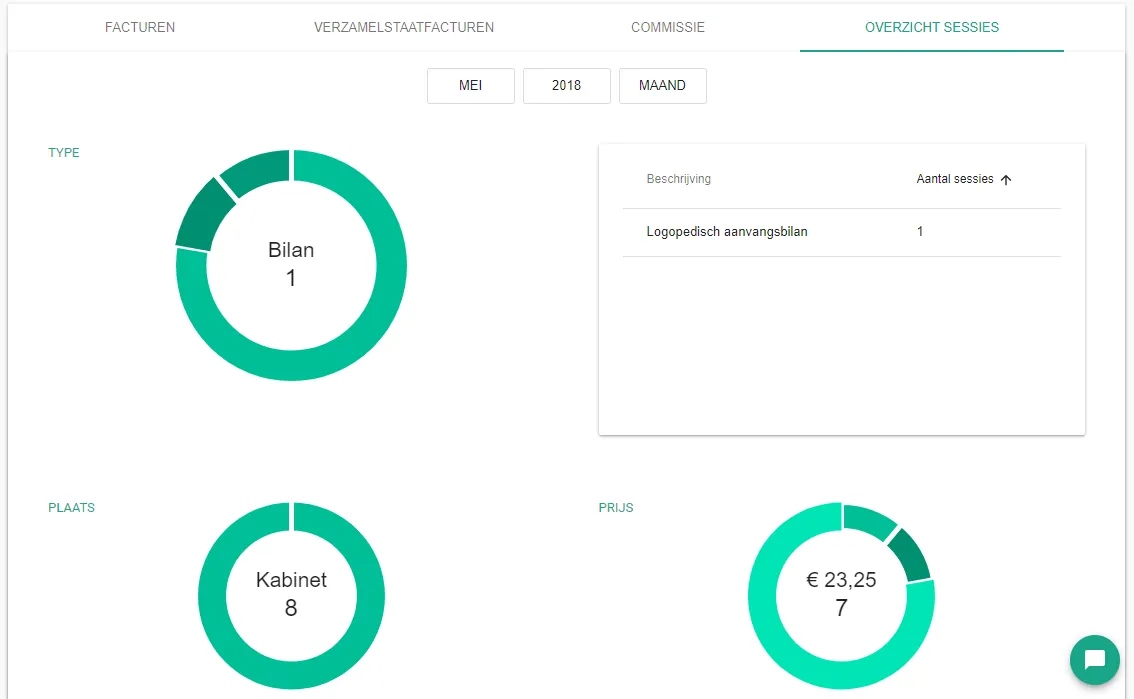
The session overview lists your sessions and what they earn. One screen shows you where your therapies and your finances stand.
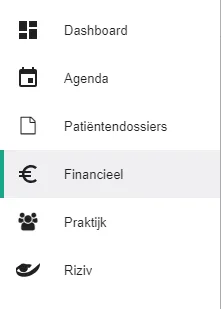
Click Financieel (Financial) in the left-hand menu.
Go to the Overzicht sessies (Session overview) tab.

Was this article helpful?
One more question?Open a ticket and we will look at it with you.
Open a ticket