
View another therapist’s calendar
Screenshots show the Dutch interface. Menu names and buttons appear here as they appear on screen, in Dutch.
Practice owners and administrators can open the calendars of the other therapists. Without one of those two roles, you only see your own calendar.
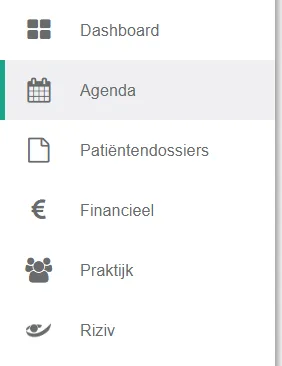
- Click agenda in the left menu bar.
- Click the name shown above the calendar you are looking at.

- Click the therapist’s name.
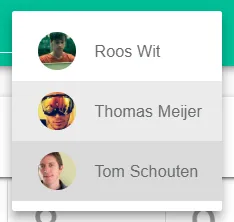
That therapist’s calendar is now open. Therapists who have left the practice appear differently in the selection menu.
Was this article helpful?
One more question?Open a ticket and we will look at it with you.
Open a ticket