
Patient absent from an appointment
Screenshots show the Dutch interface. Menu names and buttons appear here as they appear on screen, in Dutch.
If your patient does not show up and you still want to charge for the appointment, mark it as absent. If you are not charging for it, delete the appointment from your calendar instead. See delete an appointment.
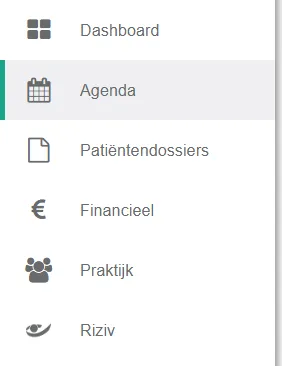
- Click agenda in the left menu bar.
- Click the afspraak (appointment).
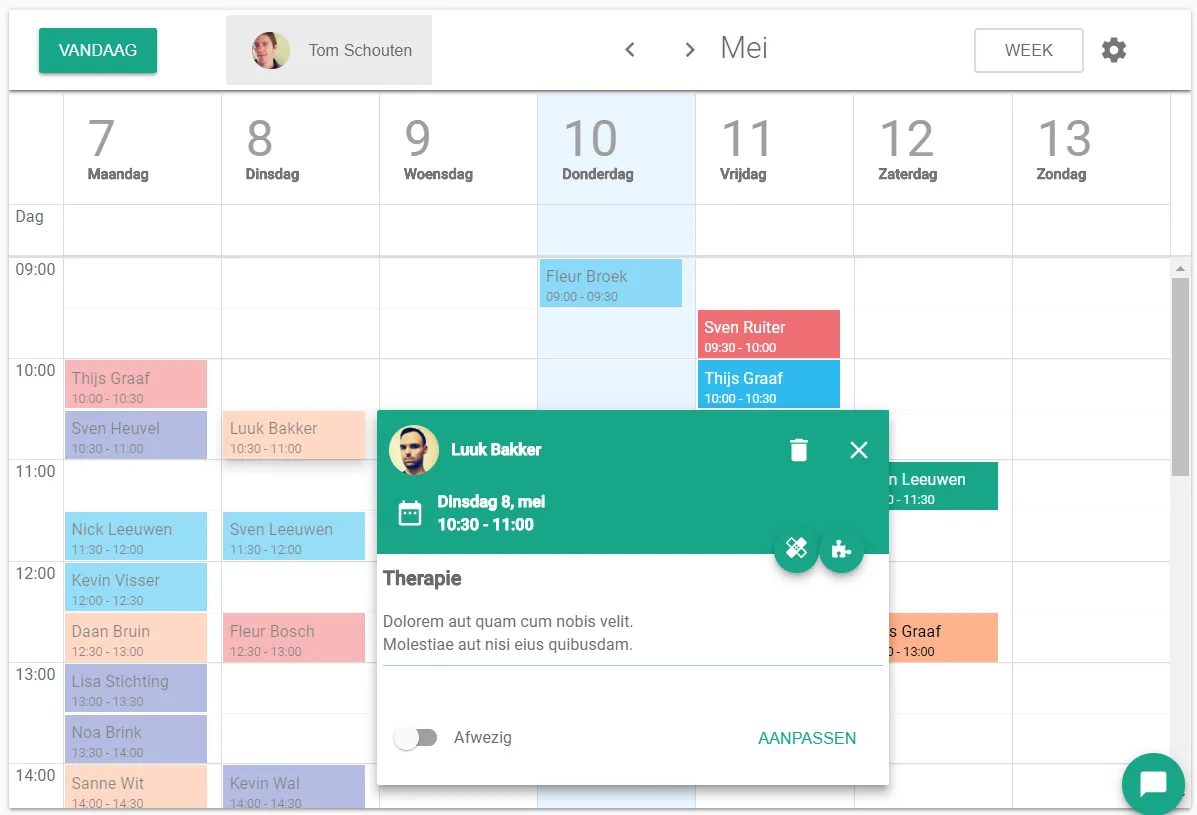
A window appears next to the appointment with further details. - Select the afwezig (absent) option on the appointment.
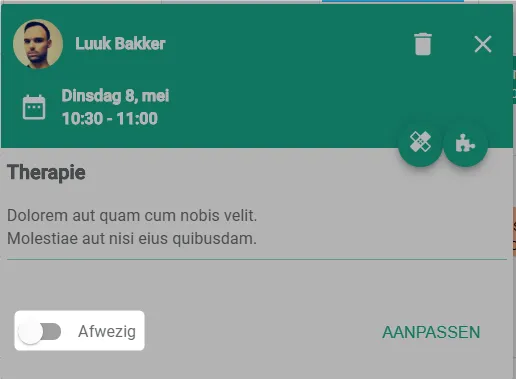
The box is now ticked.
Was this article helpful?
One more question?Open a ticket and we will look at it with you.
Open a ticket