
Overview of appointments per patient
Screenshots show the Dutch interface. Menu names and buttons appear here as they appear on screen, in Dutch.
You can see every appointment for one patient in a single overview.
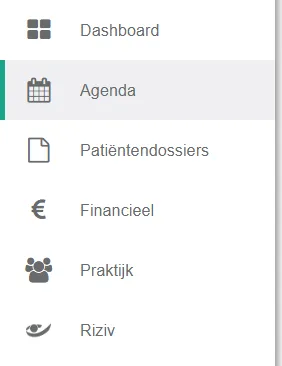
- Click agenda in the left menu bar.
- Click the patient name in the patient overview.

Instead of the calendar, you now see that patient’s appointments.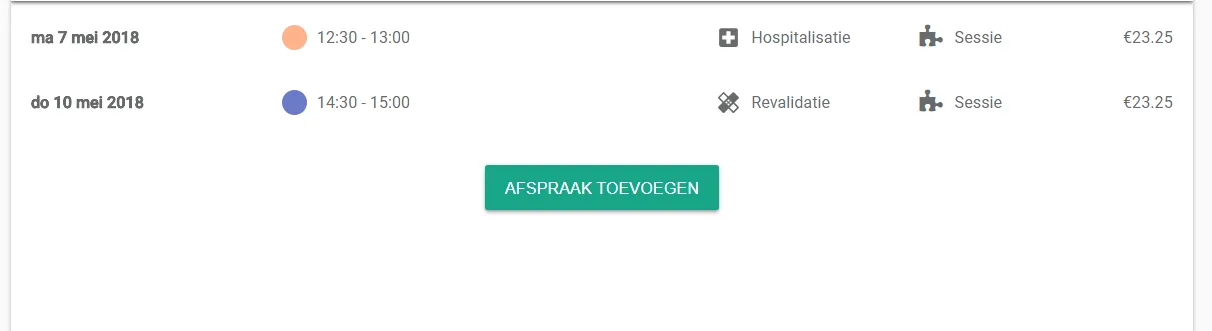
The afspraak toevoegen (add appointment) button creates a new one straight away.
The cross in the top left corner of the calendar takes you back to the calendar view.
Was this article helpful?
One more question?Open a ticket and we will look at it with you.
Open a ticket