
Show past appointments in a lighter shade
Screenshots show the Dutch interface. Menu names and buttons appear here as they appear on screen, in Dutch.
Appointments that have already passed can be shown in a lighter shade. That way you see at a glance what is still ahead.
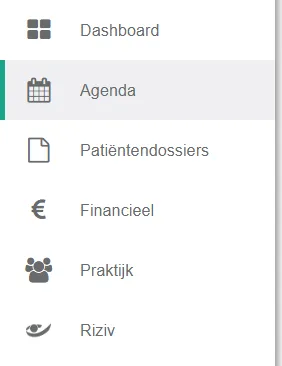
- Click agenda in the left menu bar.
- Click the icon
 to open the settings.
- Select the option "de helderheid van vroegere afspraken lichter weergeven" (show past appointments in a lighter shade).

Was this article helpful?
One more question?Open a ticket and we will look at it with you.
Open a ticket