
Delete an appointment
Screenshots show the Dutch interface. Menu names and buttons appear here as they appear on screen, in Dutch.
You delete a single appointment from the appointment window. To clear a whole day, read delete all appointments on one day.
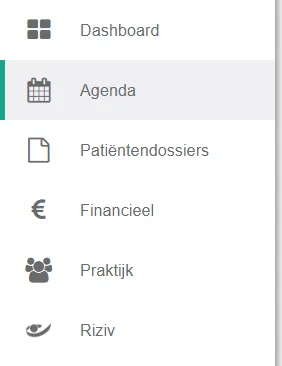
- Click agenda in the left menu bar.
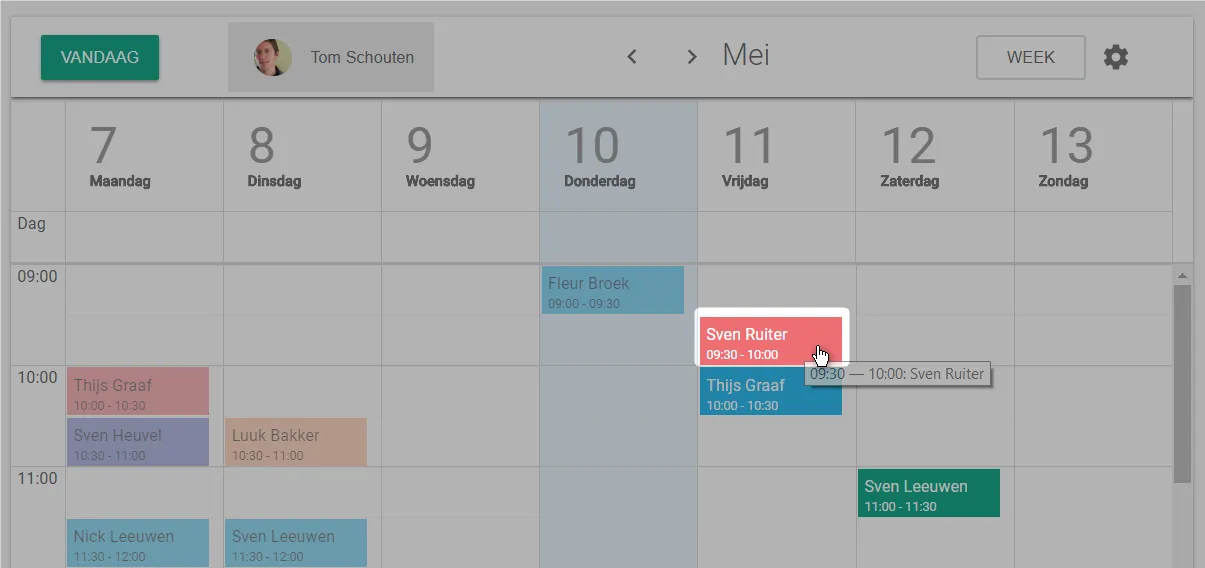
- Click the appointment you want to delete.
- Click the icon
 in the appointment window.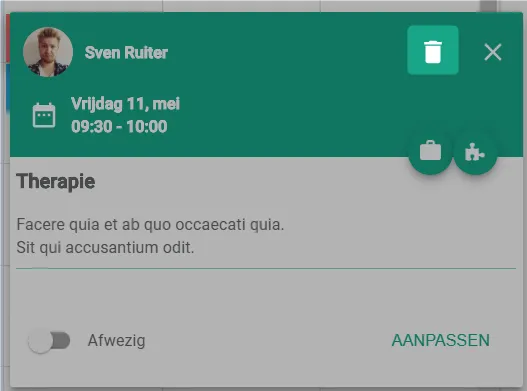
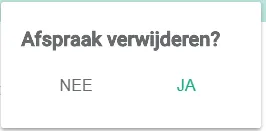
- Click yes.
Was this article helpful?
One more question?Open a ticket and we will look at it with you.
Open a ticket