
Add a member
Screenshots show the Dutch interface. Menu names and buttons appear here as they appear on screen, in Dutch.
You invite a therapist as a member of your practice. This works as long as you have not reached the maximum number of members on your subscription.
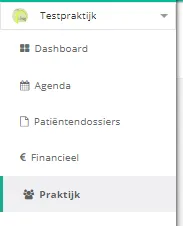
- Click praktijk (practice) in the left menu.
- Click the leden (members) button.
- Click the lid toevoegen (add member) button.
- Enter the e-mailadres (email address) of the therapist you want to add.
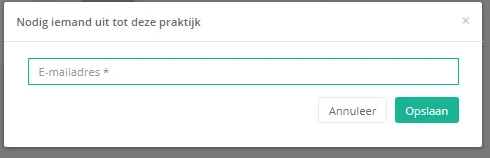
- Click opslaan (save).

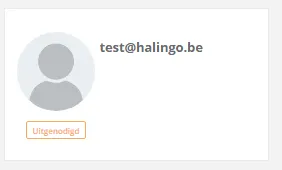
The therapist receives an email with a link to accept the invitation. In the meantime the invited person already appears in the members overview.
Was this article helpful?
One more question?Open a ticket and we will look at it with you.
Open a ticket