
Set a commission
Screenshots show the Dutch interface. Menu names and buttons appear here as they appear on screen, in Dutch.
The practice commission is set per member.
- Click praktijk (practice) in the left menu.
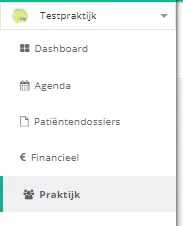
- Click the leden (members) button.

- Click the therapeut (therapist) whose commission you want to set.

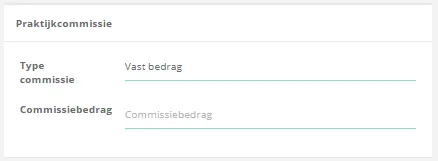
- Select the type commissie (commission type) for that therapist.

- If you choose a vast bedrag (fixed amount), enter the amount under commissiebedrag (commission amount).
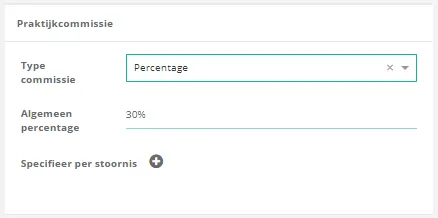
- If you choose a percentage, enter the general percentage. A separate percentage per disorder is set via
 .
.
Was this article helpful?
One more question?Open a ticket and we will look at it with you.
Open a ticket