
How do I schedule a session for an initial assessment?
Screenshots show the Dutch interface. Menu names and buttons appear here as they appear on screen, in Dutch.
For an aanvangsbilan, the initial assessment report at the start of treatment, the length of the appointment decides how many assessment sessions Halingo charges. The steps are below.
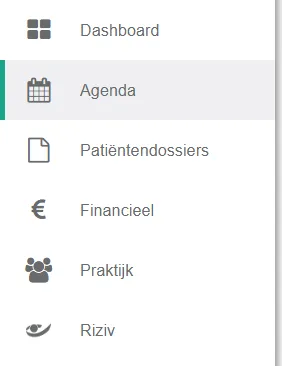
- Click agenda (calendar) in the left-hand menu.
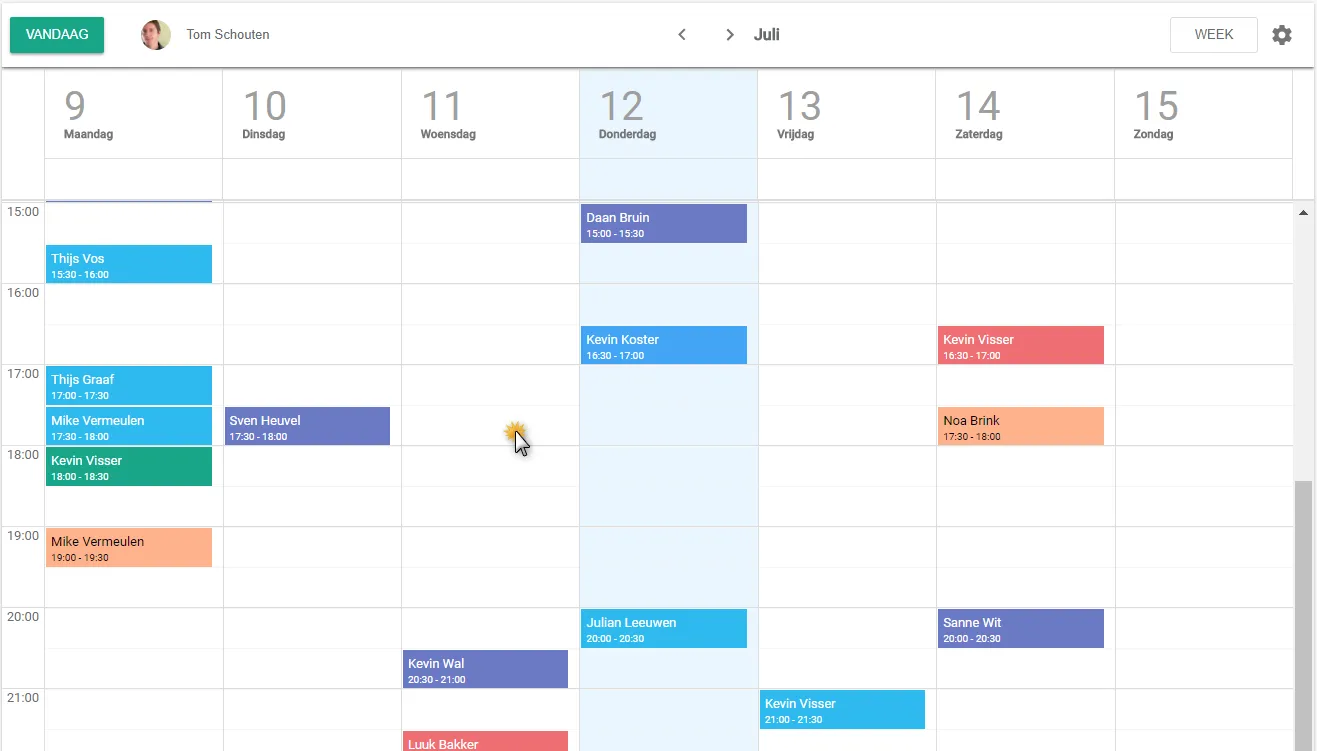
- Click the slot where you want to schedule the assessment appointment.
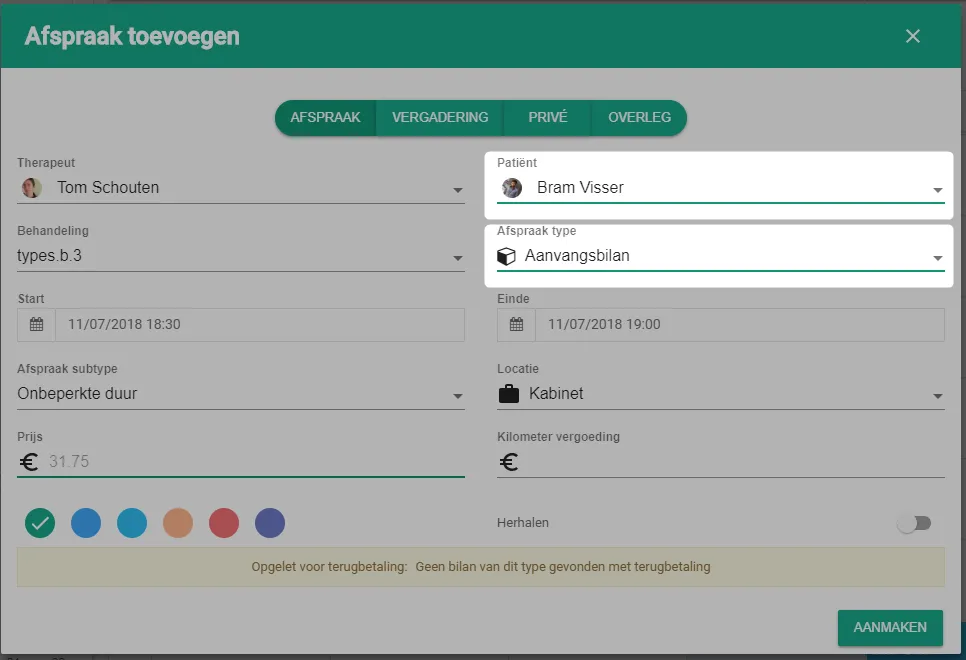
- Select the patient and set the appointment type to aanvangsbilan (initial assessment).
The appointment type now shows unlimited duration. You therefore do not get the 30 or 60 minute choice you get for a therapy session. - Adjust de duur (the duration) of the appointment to set how many assessment sessions are charged. Change the eindtijd (end time) to do this.
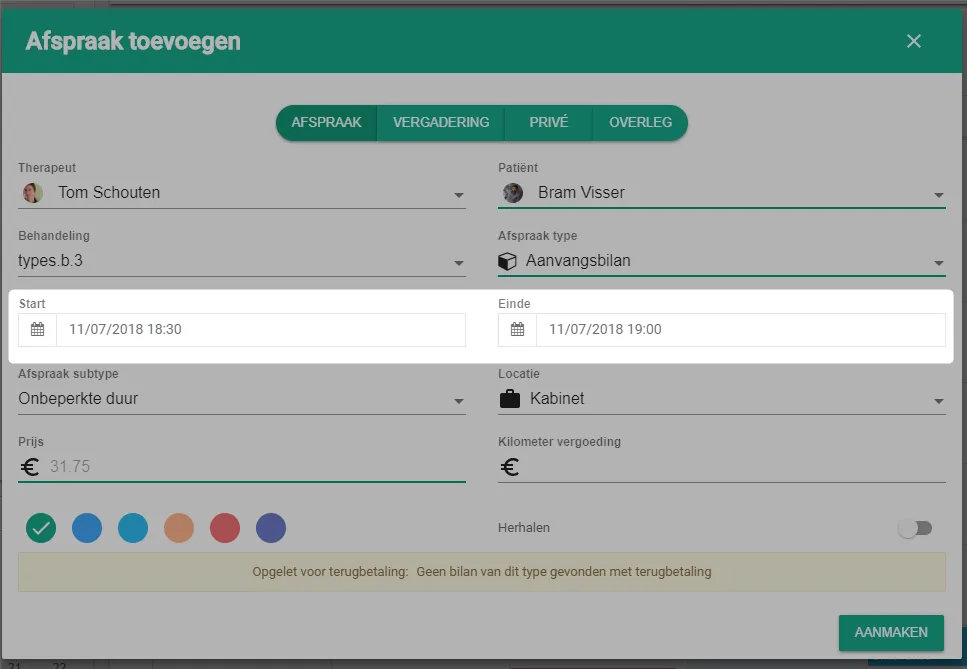
- To charge 3 assessment sessions that day, make the appointment 1 hour 30 minutes long.
- The price of the session adjusts to the duration automatically.
- A maximum of 5 reimbursable assessment sessions can be created per initial assessment.
- Click the create button.
Was this article helpful?
One more question?Open a ticket and we will look at it with you.
Open a ticket