
Fill in or change your general details
Screenshots show the Dutch interface. Menu names and buttons appear here as they appear on screen, in Dutch.
You edit your general profile details from your profile.
- Click your name in the navigation bar.
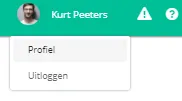
- Click profiel (profile).
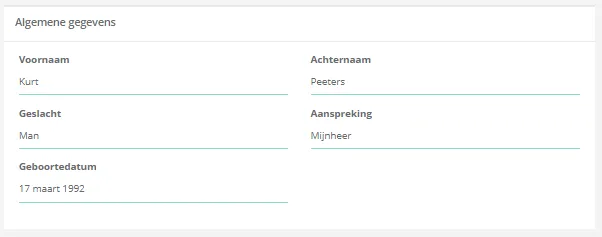
- In the algemene gegevens (general details) box, change the details you want to update.
Was this article helpful?
One more question?Open a ticket and we will look at it with you.
Open a ticket