
Change your password
Screenshots show the Dutch interface. Menu names and buttons appear here as they appear on screen, in Dutch.
You change your password from your profile. A password is strictly personal. Do not share it with anyone.
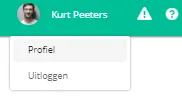
- Click your name at the top right of the navigation bar.

- Click profiel (profile).
- Click the wijzig wachtwoord (change password) button.
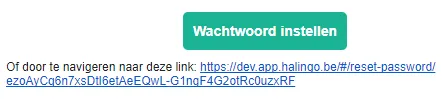
Halingo sends an email to your email address. - Open the email and click the wachtwoord instellen (set password) button, or follow the link in the email.
A new page opens where you enter your new password. - Enter your nieuw wachtwoord (new password).
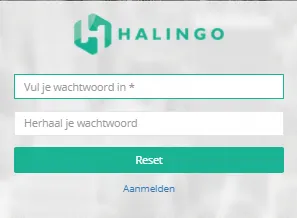
- Click the reset button.

Was this article helpful?
One more question?Open a ticket and we will look at it with you.
Open a ticket