
Download your Halingo invoice
Screenshots show the Dutch interface. Menu names and buttons appear here as they appear on screen, in Dutch.
The invoice for your monthly Halingo subscription sits in your practice. For a patient invoice or a practice invoice, see Download an invoice in the financial section.
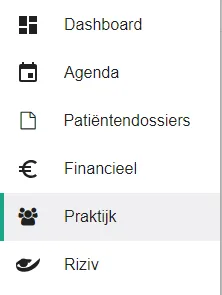
- Click praktijk (practice) in the left-hand menu.
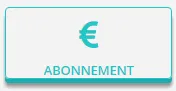
- Click the abonnement (subscription) button.
- Click the
 icon next to the invoice.
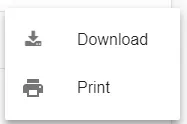
- Click download in the menu.
Was this article helpful?
One more question?Open a ticket and we will look at it with you.
Open a ticket