
Pay your invoice
Screenshots show the Dutch interface. Menu names and buttons appear here as they appear on screen, in Dutch.
You have 30 days to pay your subscription, so until the current subscription month ends. If you pay by credit card, payment happens automatically.
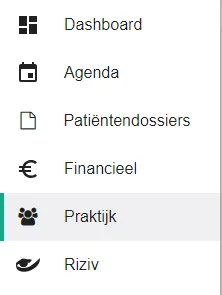
- Click praktijk (practice) in the left-hand menu.
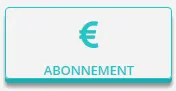
- Click the abonnement (subscription) button.
- Click the betaal nu (pay now) button to settle the open invoice.
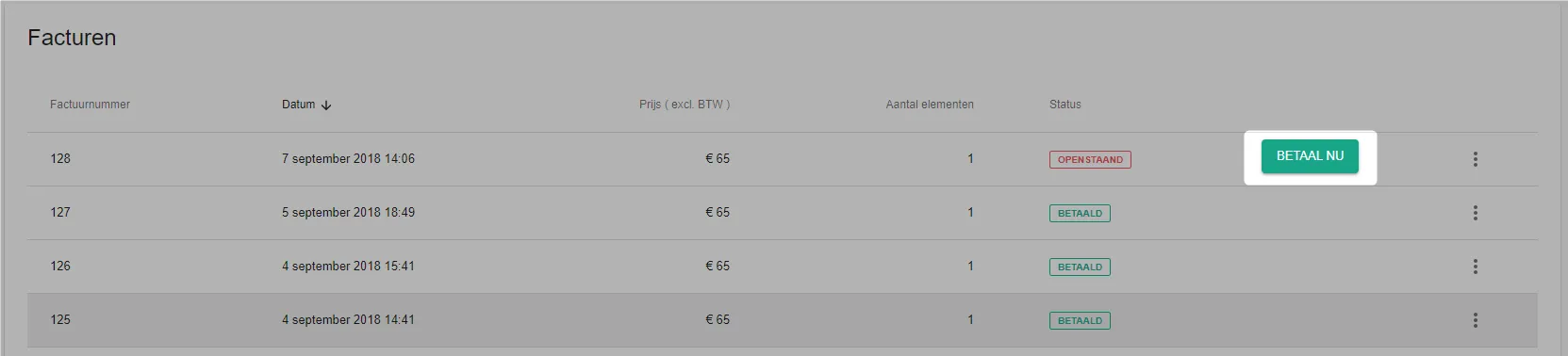
Halingo sends you on to the payment service, where you pay your subscription online with the method you chose. As soon as the payment goes through, a confirmation appears briefly.
Was this article helpful?
One more question?Open a ticket and we will look at it with you.
Open a ticket