
Log in
Screenshots show the Dutch interface. Menu names and buttons appear here as they appear on screen, in Dutch.
You can log in to Halingo from the website or straight from the login page.
- Go to www.halingo.be and click the aanmelden (log in) button at the top right.

Tip: you can also go straight to https://app.halingo.be/. - Enter your e-mailadres (email address) and wachtwoord (password).
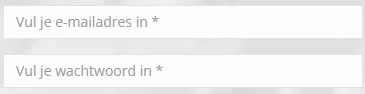
- Click the aanmelden button.

Was this article helpful?
One more question?Open a ticket and we will look at it with you.
Open a ticket