
Synchronise Rosa and Halingo
Screenshots show the Dutch interface. Menu names and buttons appear here as they appear on screen, in Dutch.
Not a Rosa customer yet? Read Sign in to Rosa first.
Already a Rosa customer? Here is how to connect the two.
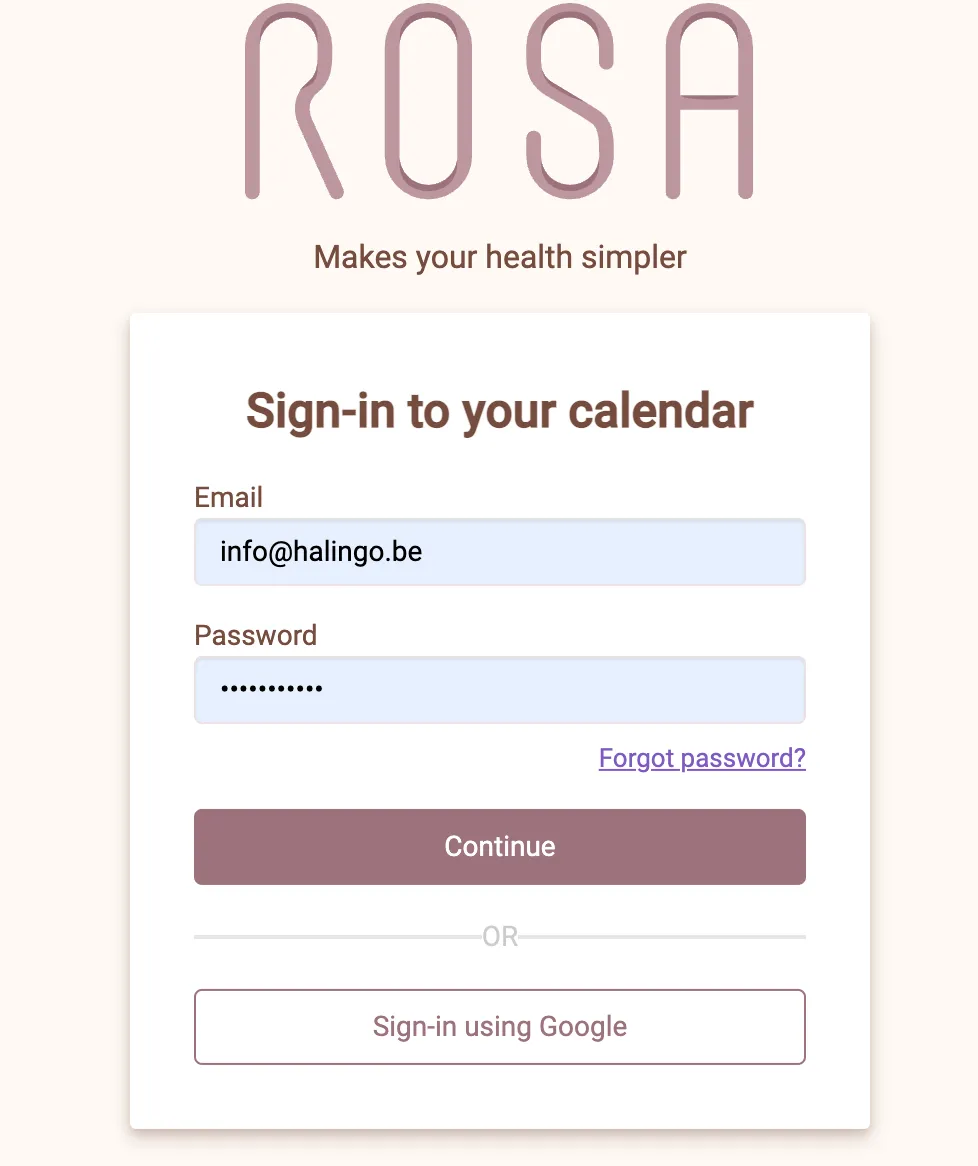
- Log in to the Rosa portal: https://hp-calendar.rosa.be/.
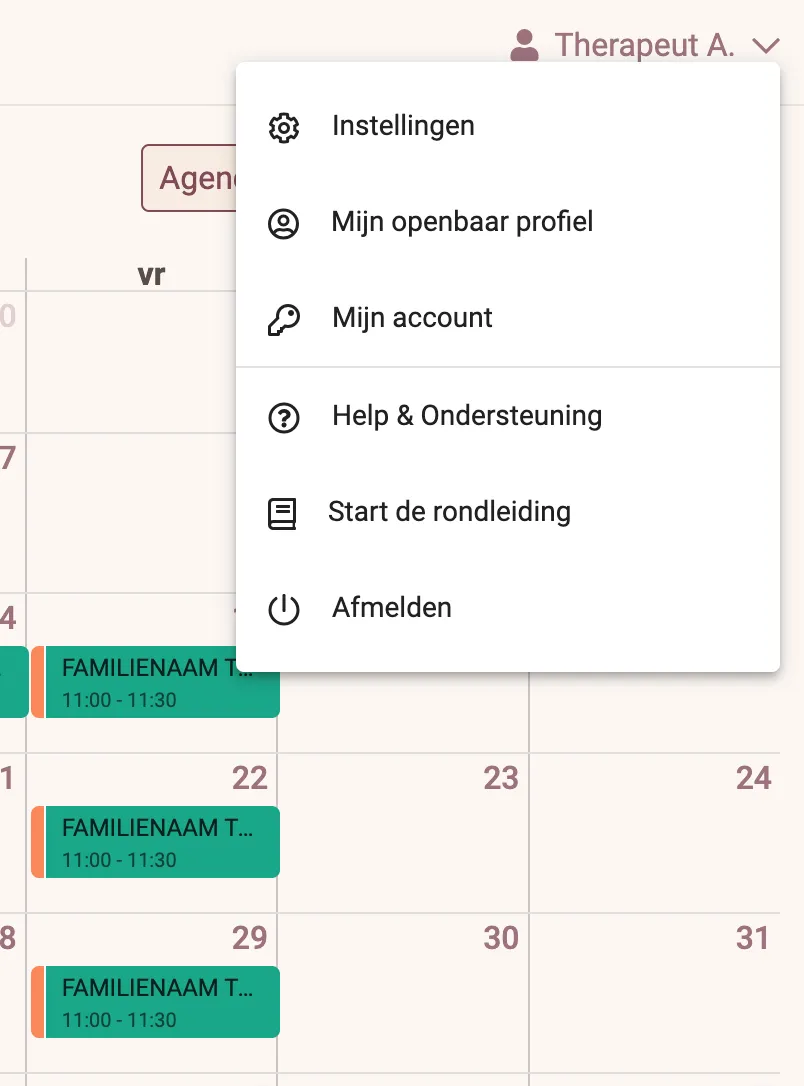
- Go to your profile instellingen (settings).
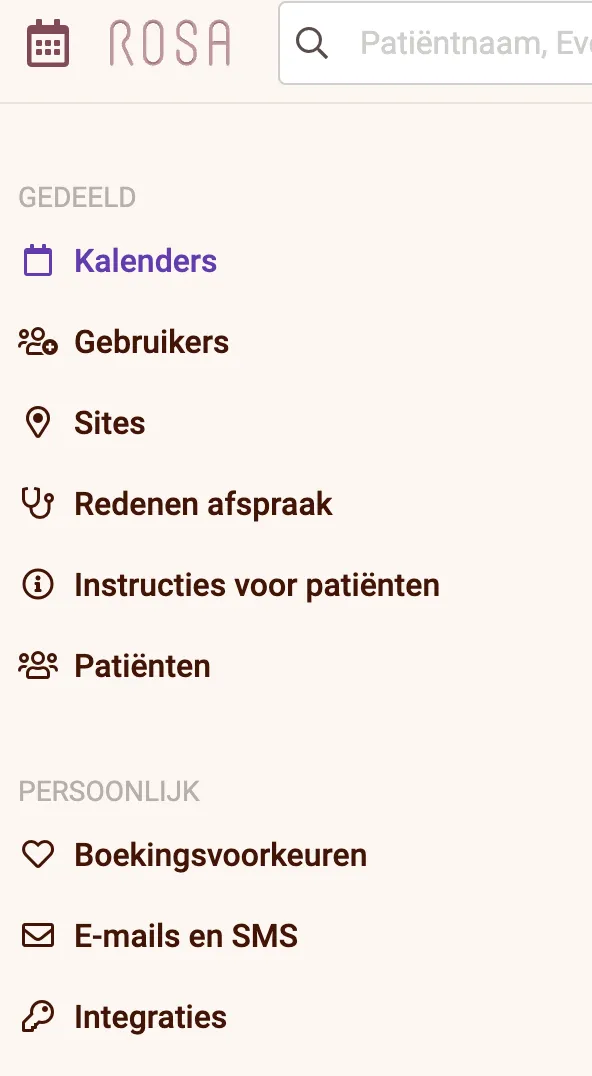
- Go to Integraties (Integrations).
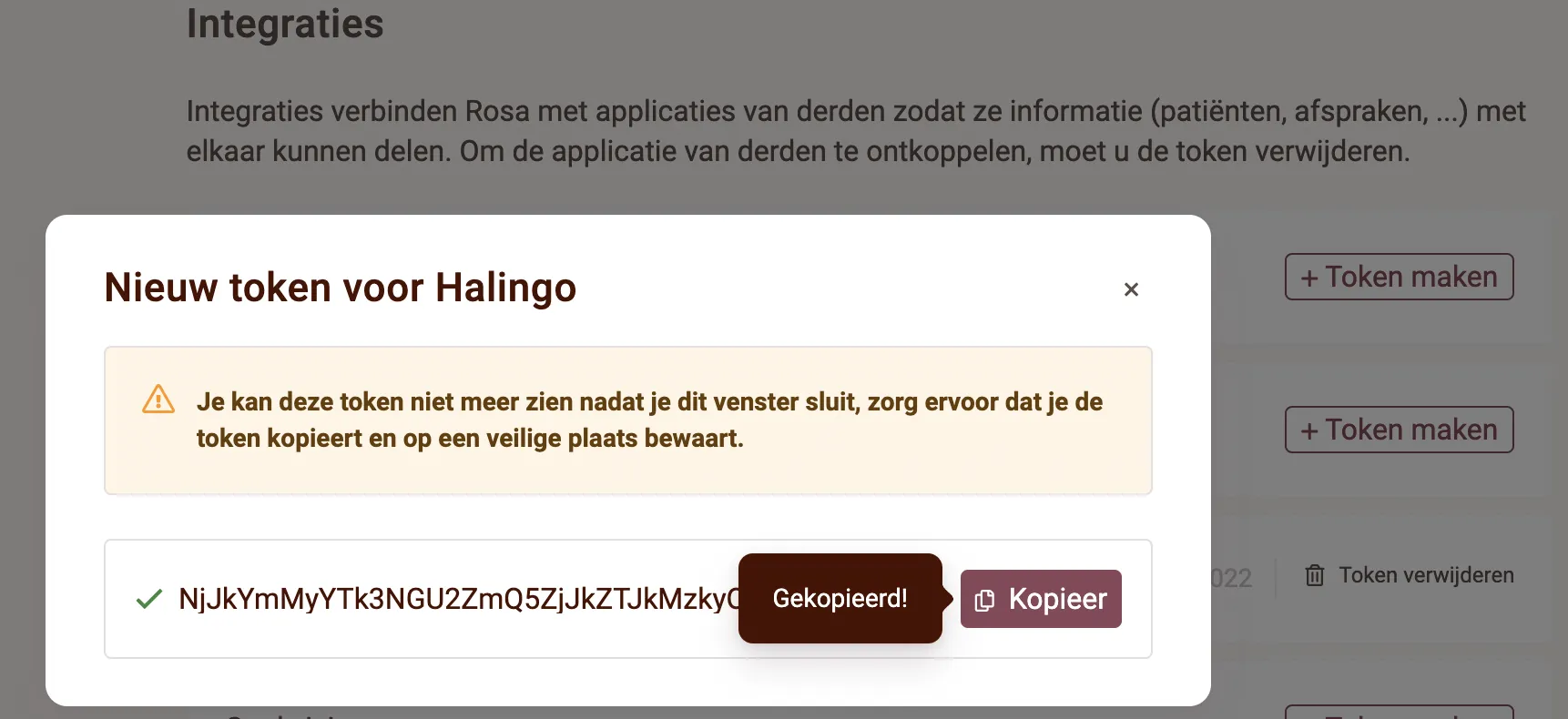
- Create a Halingo token.
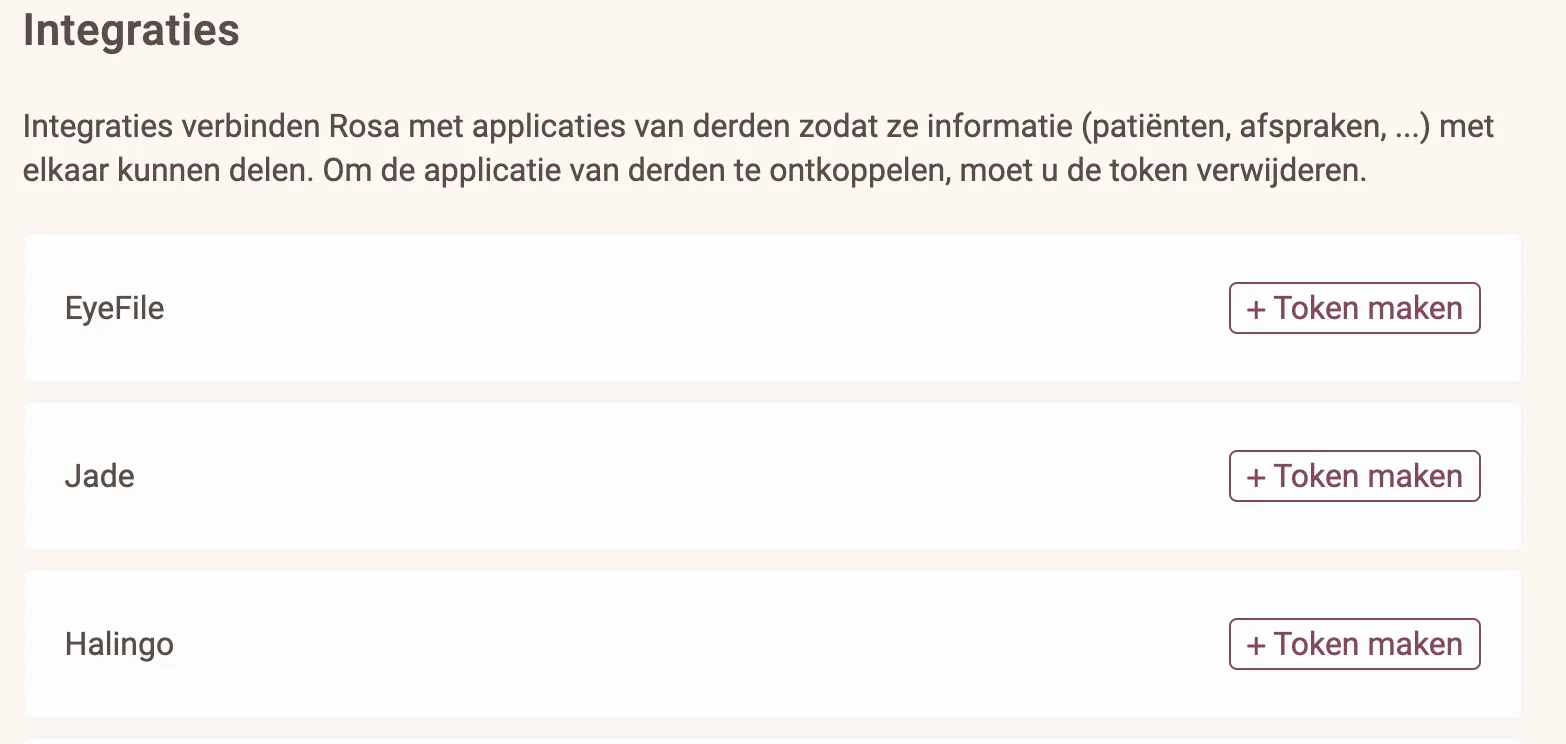
- Copy the token you created.
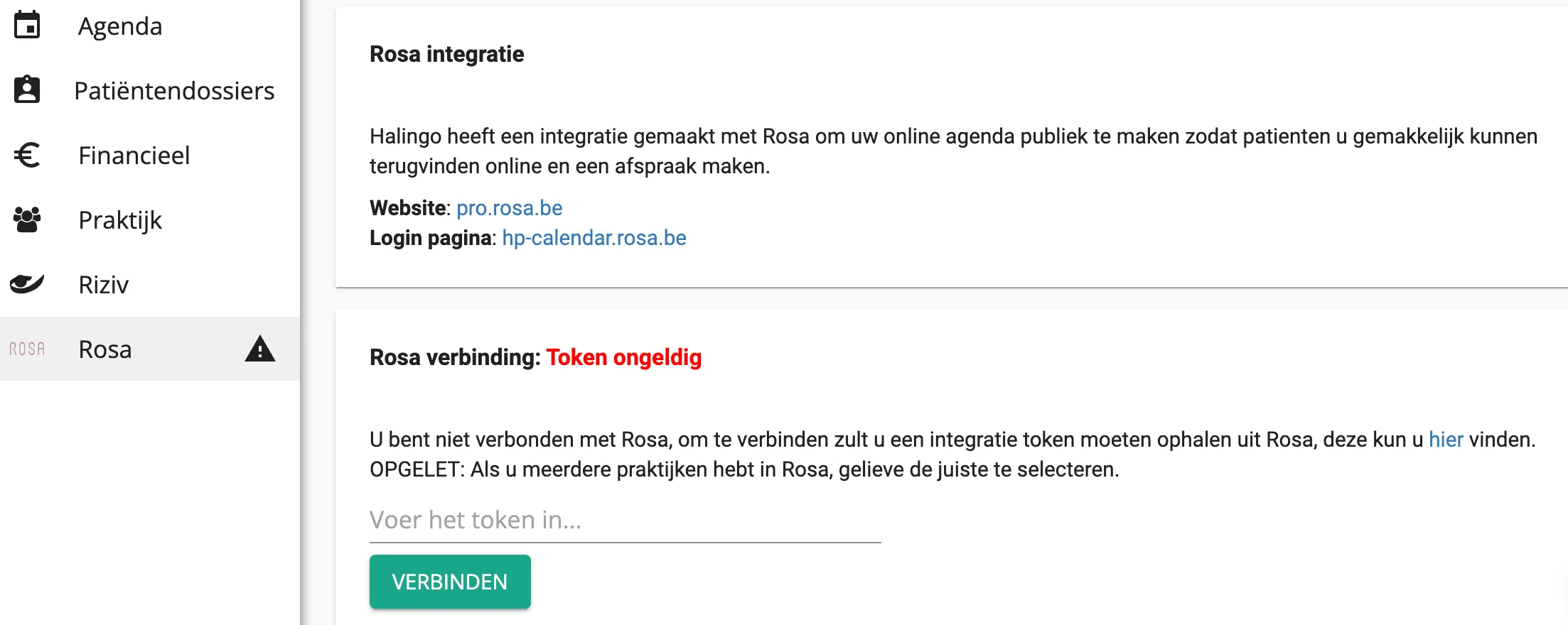
- Open Halingo and go to the Rosa section.
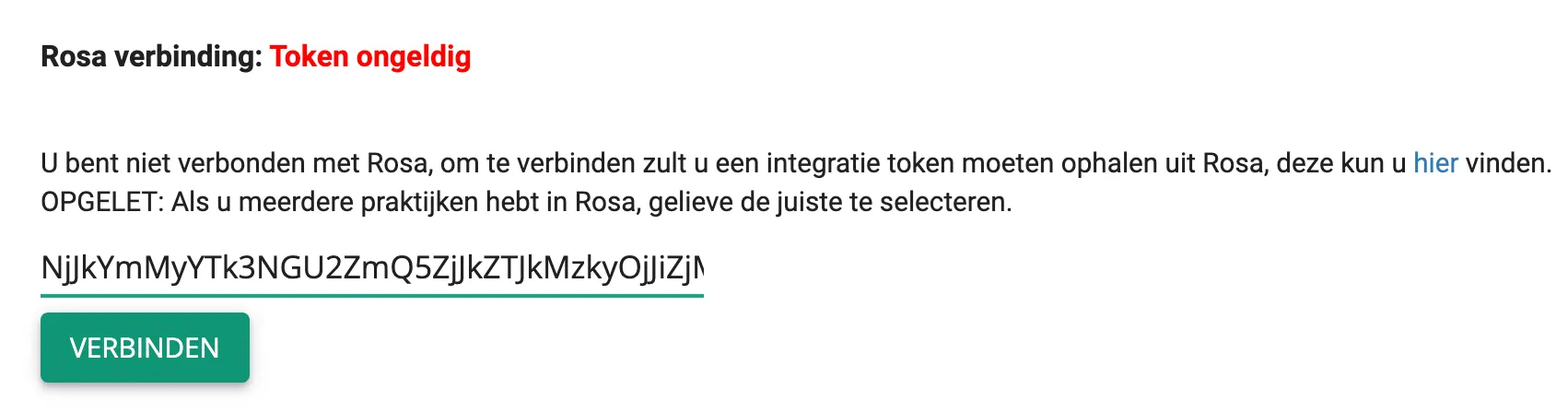
- Paste the Rosa token into Halingo and click verbinden (connect).
- Check that the synchronisation has completed.
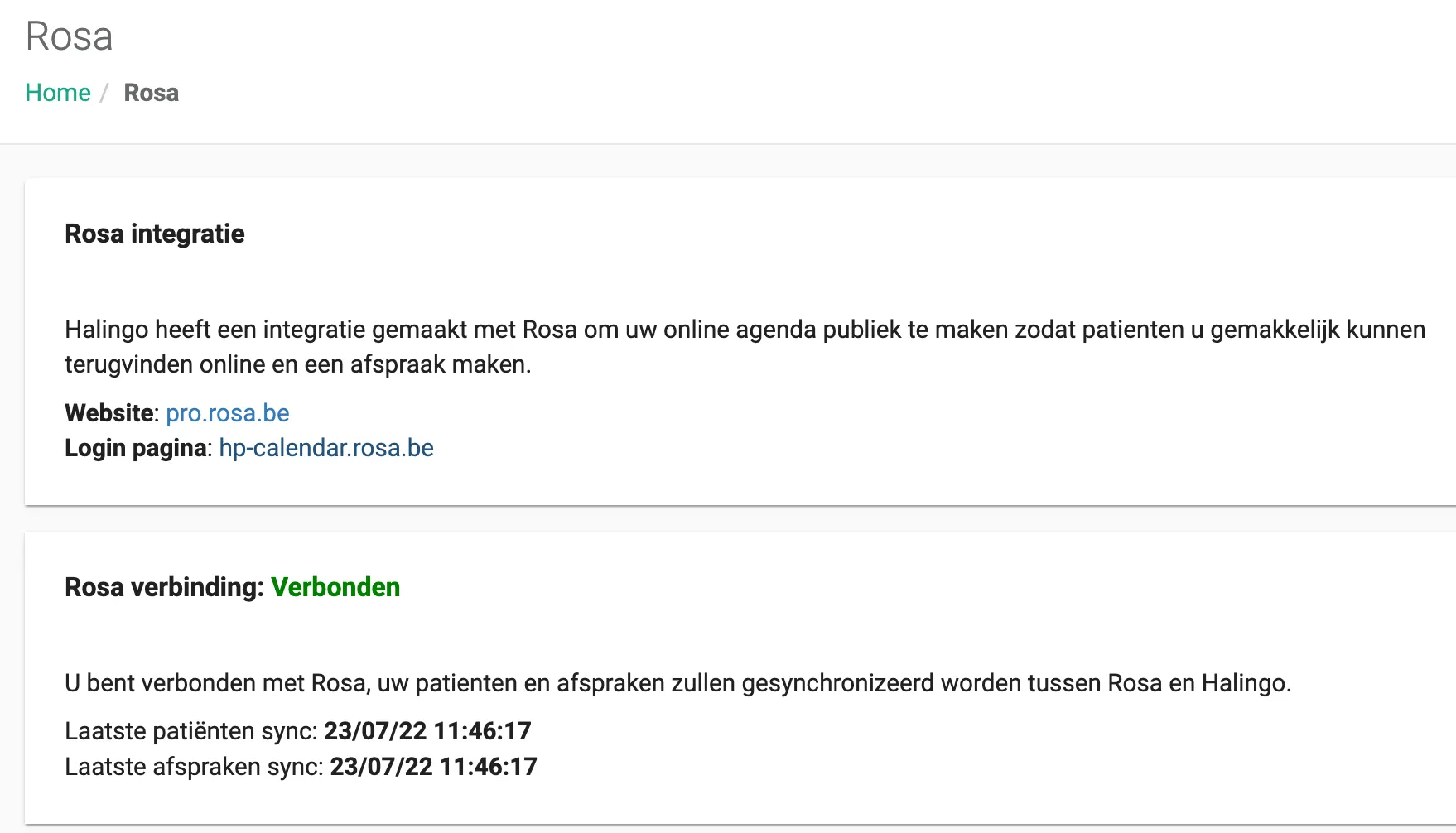
From now on Halingo and Rosa exchange information in both directions.
Was this article helpful?
One more question?Open a ticket and we will look at it with you.
Open a ticket